Import or draw
A DXF from any drawing program, a job from Corpus or other furniture software, or a drawing made in Maestro lab itself.
SCM software
SCM's Maestro software follows a part from the drawing in the office, through the screen on the machine, to the phone in your pocket. It's what turns a good machine into a connected workshop, and it matters most on a CNC.
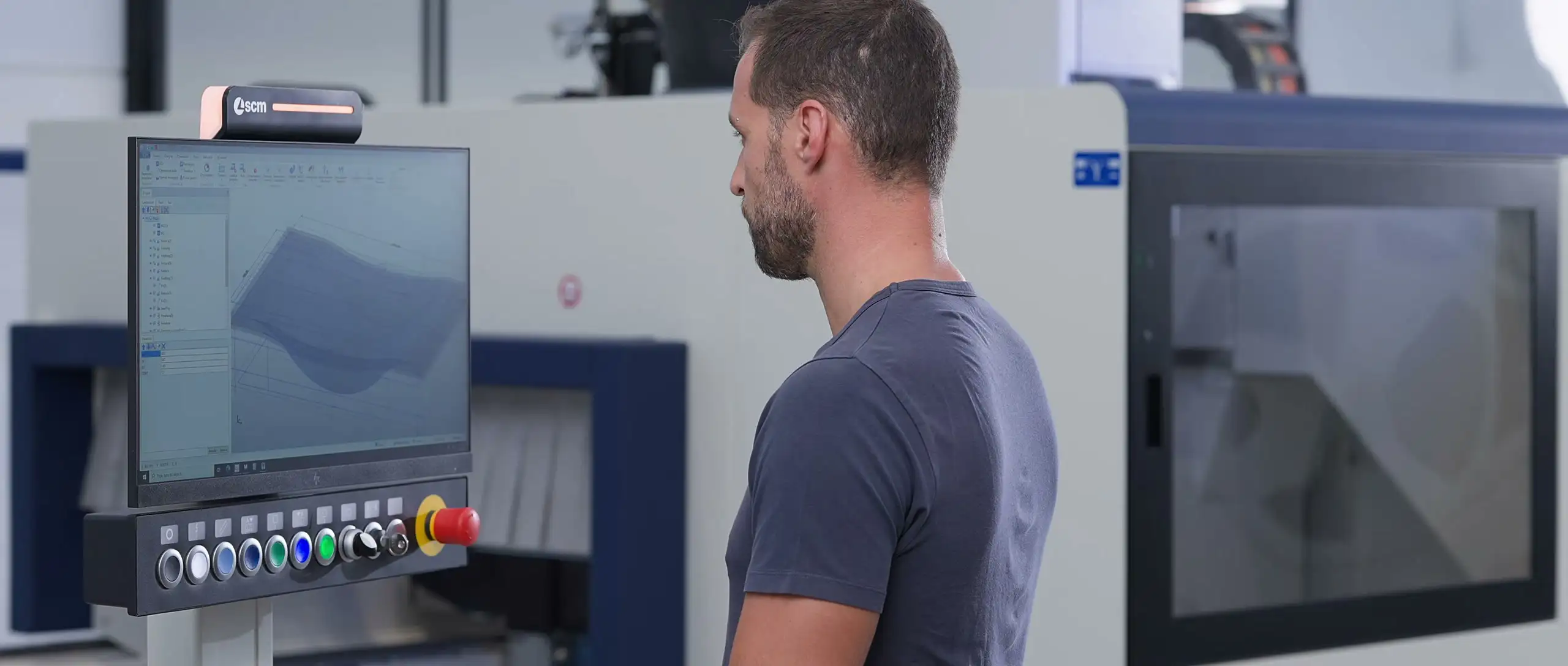
Maestro on SCM's eye-M console, a CNC machining head and SCM's Control Room, footage by SCM
The whole path of a part
SCM presents its software as five stages, from preparing the job to servicing the machine. Choose a stage.
01 · Preparation
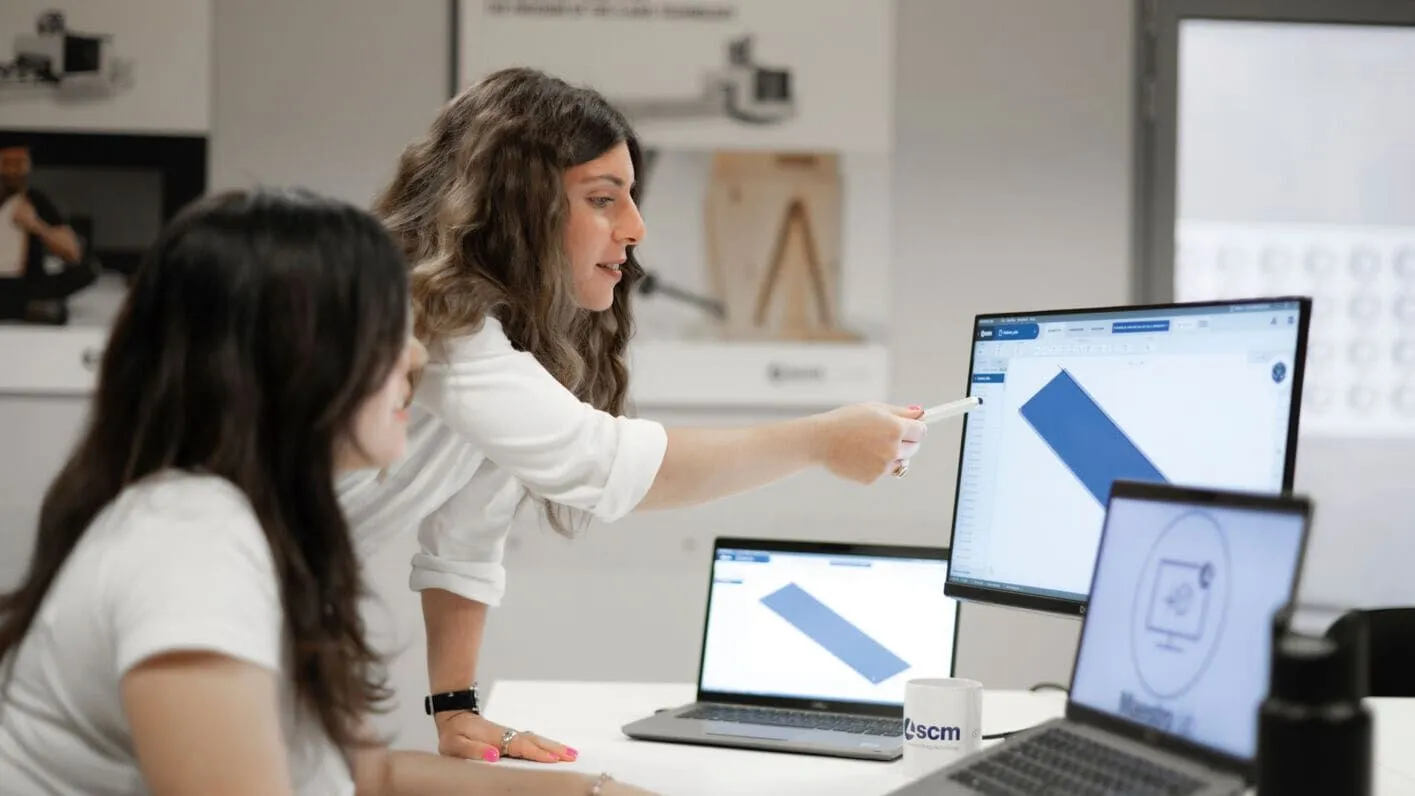
In the office, Maestro lab turns a drawing into a CNC program. Draw the part or import a DXF, and the software recognises the holes, proposes the machining and calculates the cycle time, before the machine starts.
02 · Planning
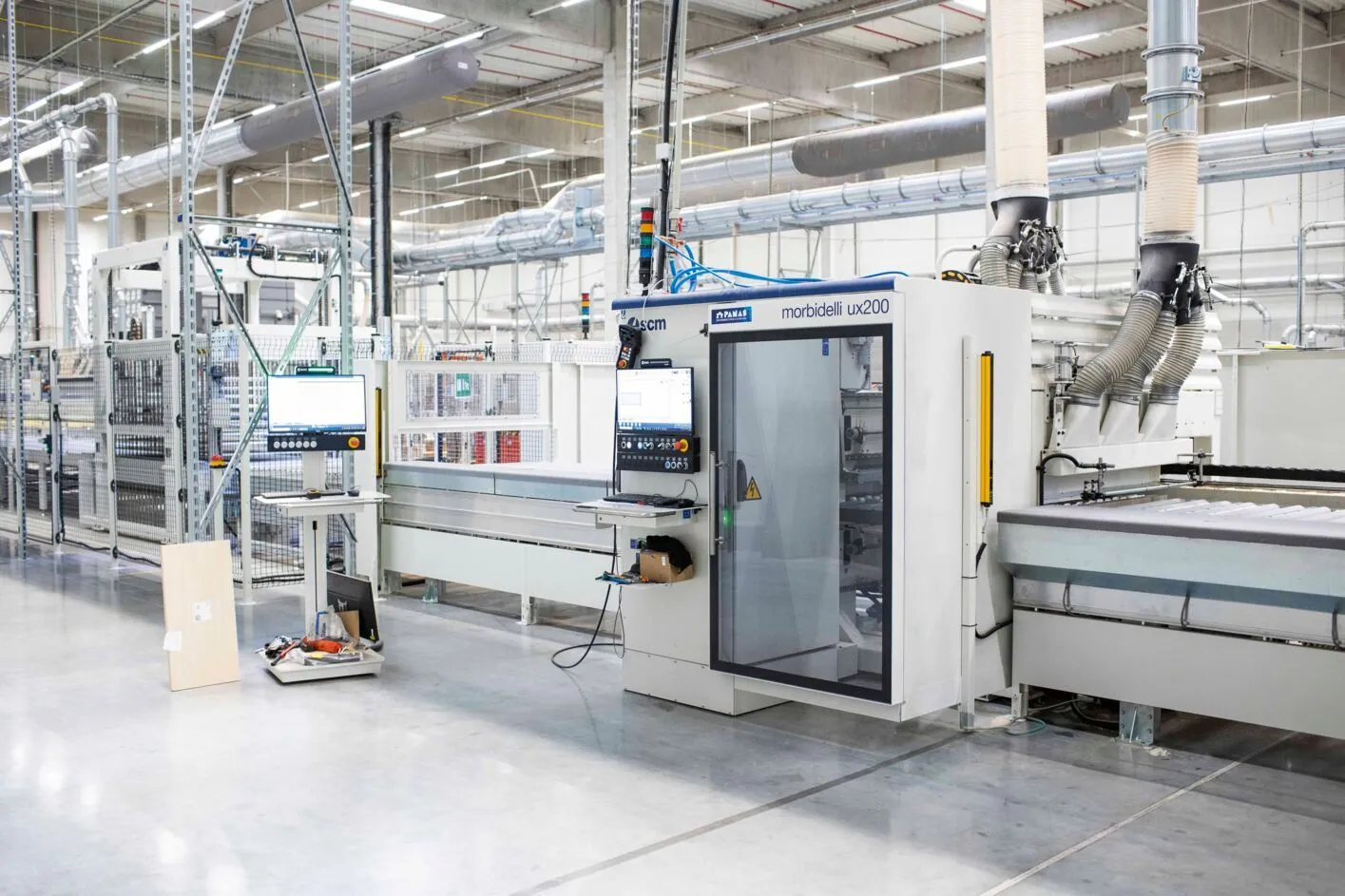
For larger plants SCM, together with Tecnest from SCM Group, offers WinMES: production planning, batch tracking and quality control, connected to the machines and to business software.
03 · Production
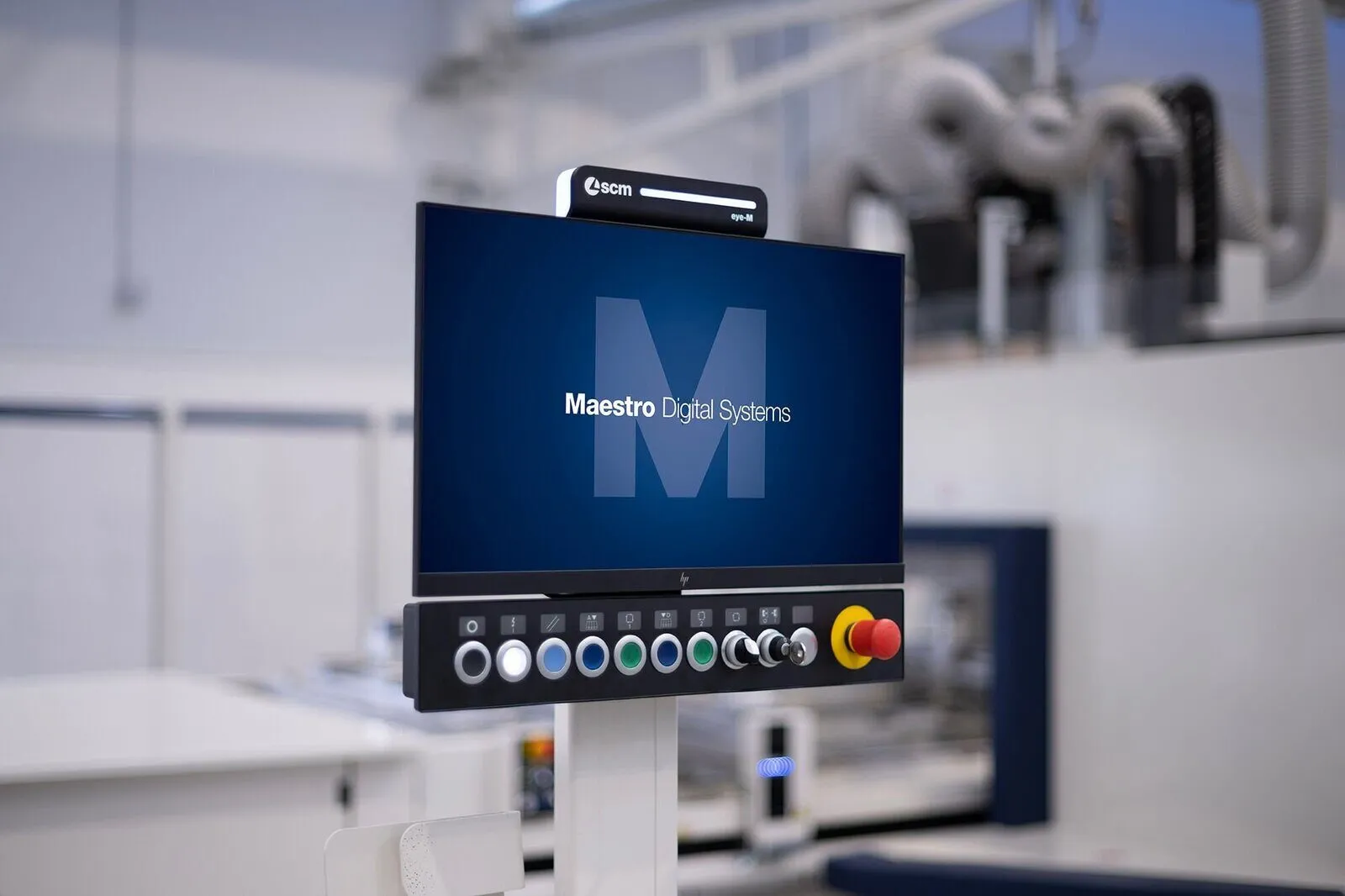
The machine runs Maestro active, on SCM's eye-M console with a 24-inch touch screen. SCM builds it to look and work the same across its technologies, so an operator who knows one machine soon knows the next.
04 · Monitoring
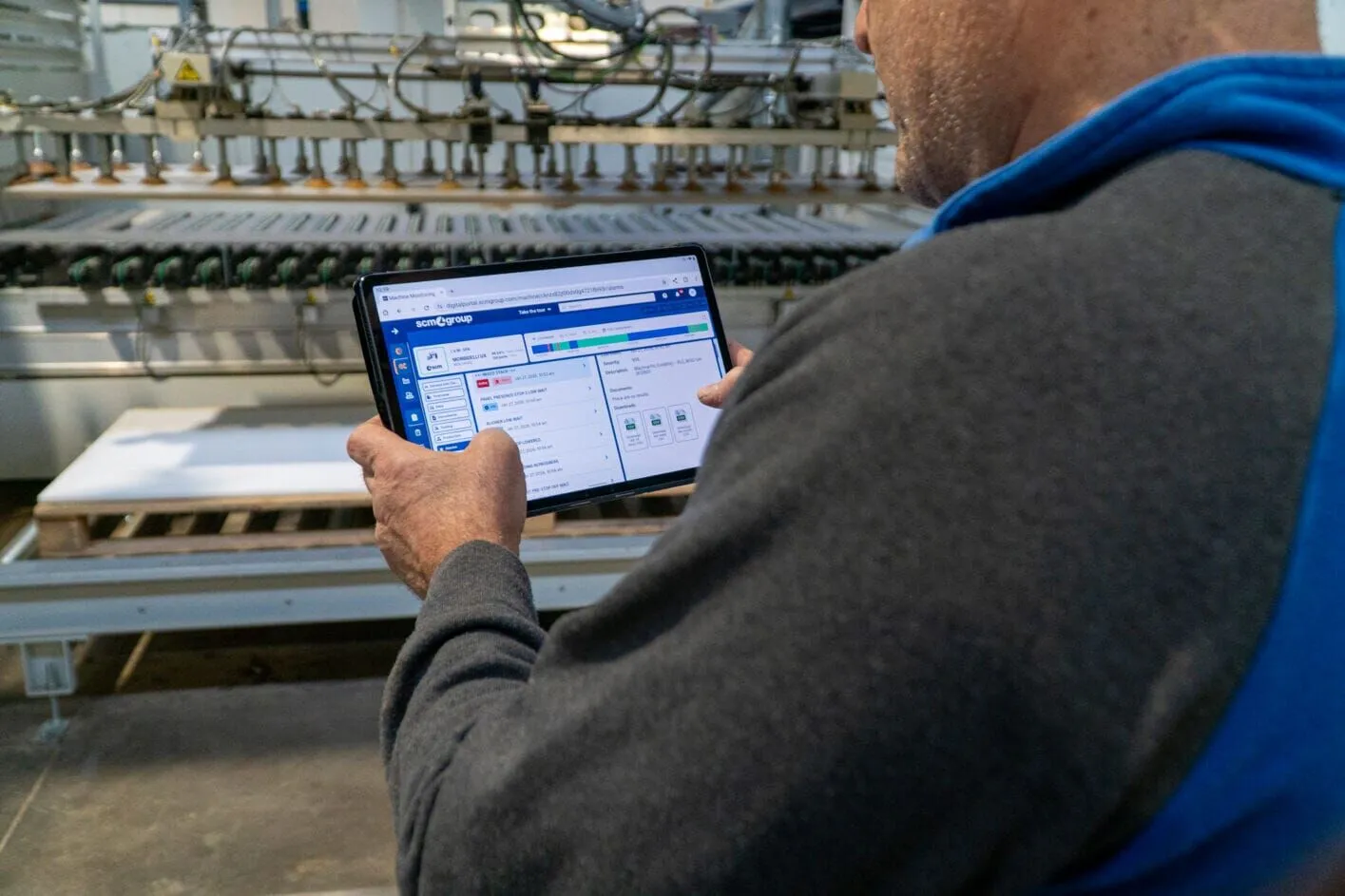
A connected machine reports how it's working: running or not, how busy, which alarms came up. You see it on a computer or in the app, and the maintenance planner reminds the team what's due and when.
05 · Service
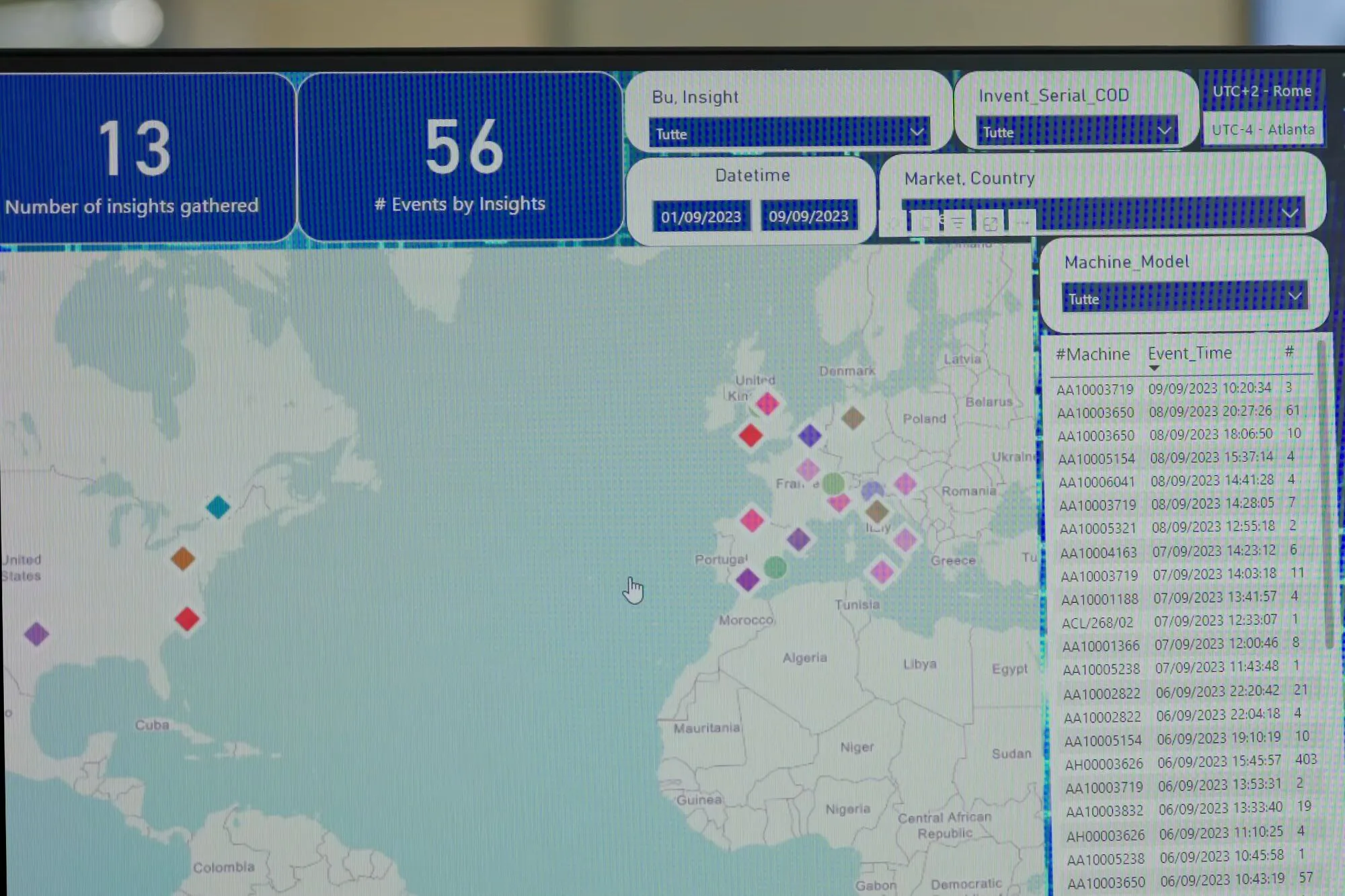
For connected machines, SCM's Control Room (technicians helped by artificial intelligence) watches the data and calls when it sees a sign of trouble. Remote support is included in the IoT licence.
CNC, step by step
This is what the work looks like on an SCM CNC machining centre with Maestro.
A DXF from any drawing program, a job from Corpus or other furniture software, or a drawing made in Maestro lab itself.
Ready SCM apps for doors, windows, stairs and furniture. Holes are recognised from the drawing; machining is assigned in a click.
The simulation shows the tool paths, collisions and cycle time before the first cut, without wasting material.
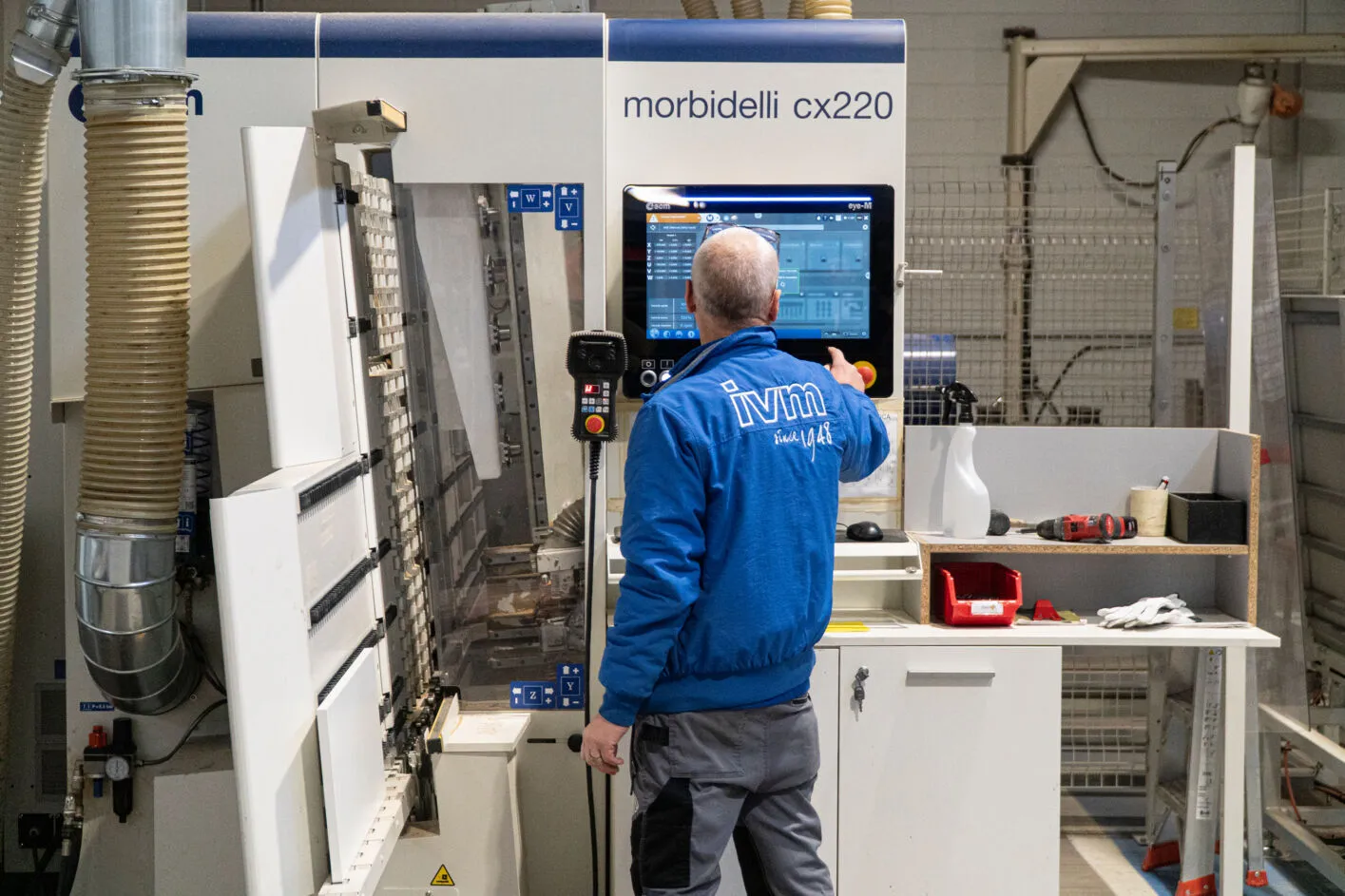
The operator opens the program on the eye-M console, places the panel as the table view shows and starts the job.
The software you already use
Many furniture makers in the region design in Corpus or a similar program. These programs have an output for SCM machines, so nothing gets drawn twice.
The link needs setting up once, to your machine's tools and work table, and after that programs reach the machine with no rework. What your program needs, we'll check together.

IoT Solution
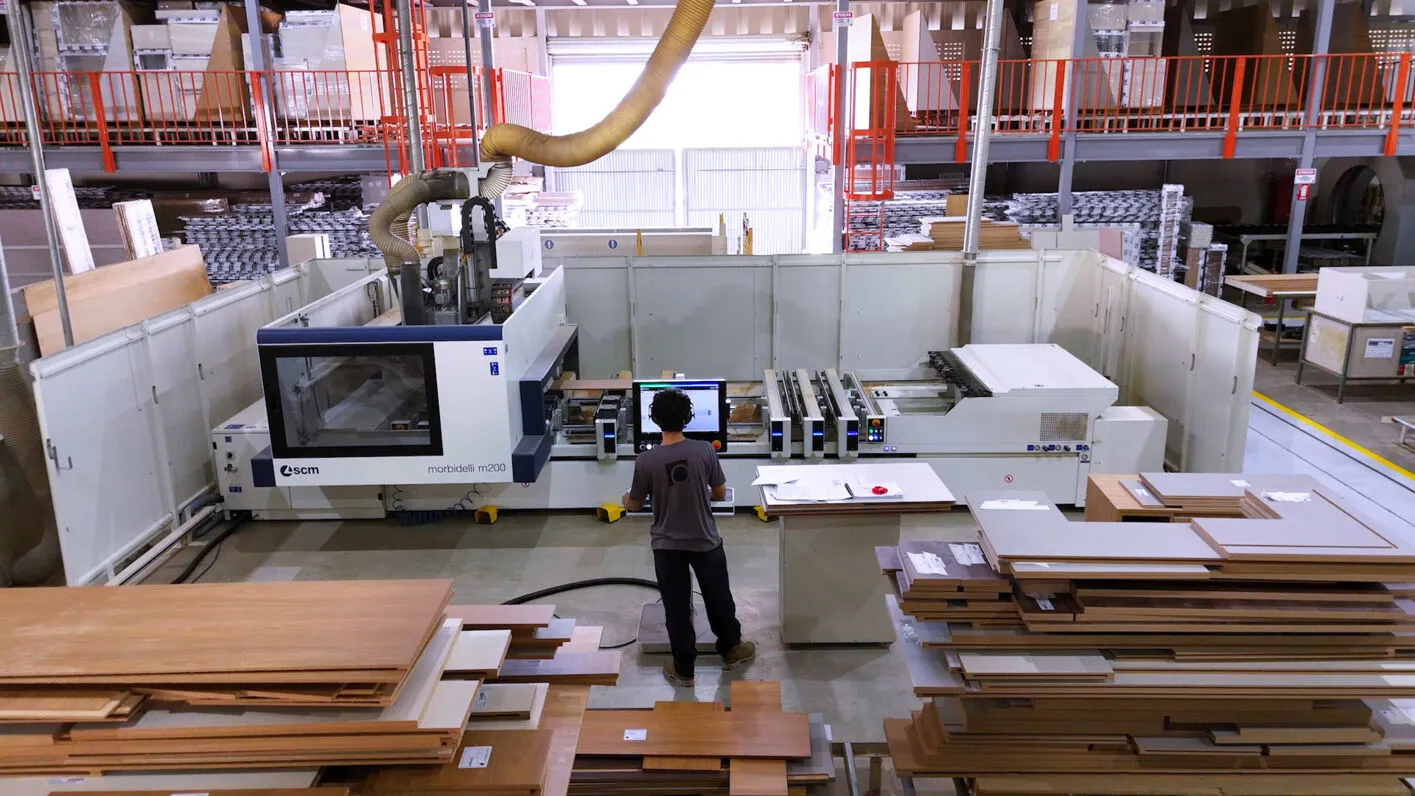
A small device in the machine's electrical cabinet, cabled to the workshop network, sends data to SCM's platform. You see how the machine is doing, and SCM's technicians can help remotely.
The service comes with a one- to five-year licence and exists for selected SCM machines; some older ones can be connected later. What applies to your machine, we check by model.
By kind of machine
Most SCM machines have a matching part of Maestro. Exactly what comes with which model, we set out in the quote.
Maestro lab in the office, Maestro active on the machine, 3D and simulation as add-ons.
Maestro nesting lays the parts out on the board; Maestro label prints a label for each part.
Maestro pattern optimises cutting on beam saws; optiwise is for more demanding cutting.
Depending on the model, Maestro active edge on the machine and edge-band management from the office.
Maestro active store runs the Flexstore: what is in stock and which board goes to which machine.
Larger DMC machines run Maestro active sand on the eye-M console; smaller ones a simpler screen.
The software on the machine itself is part of the machine. Office programs, add-on modules and the IoT licence depend on the model and the offer, and the quote states exactly what's included.
Yes. Corpus and other furniture programs have an output for SCM CNC machines. The link needs setting up once, to your machine's tools and work table.
Not to work. For IoT Solution and remote support it's cabled to the workshop network, with the ports SCM specifies left open.
Xilog programs (.xxl) open in Maestro. Whether an old machine can be upgraded or connected depends on its model and year. Send us a photo of its rating plate.
The basics are learned in training at the machine, on the jobs you normally do. SCM also has short video lessons for Maestro lab and courses at its training centre.